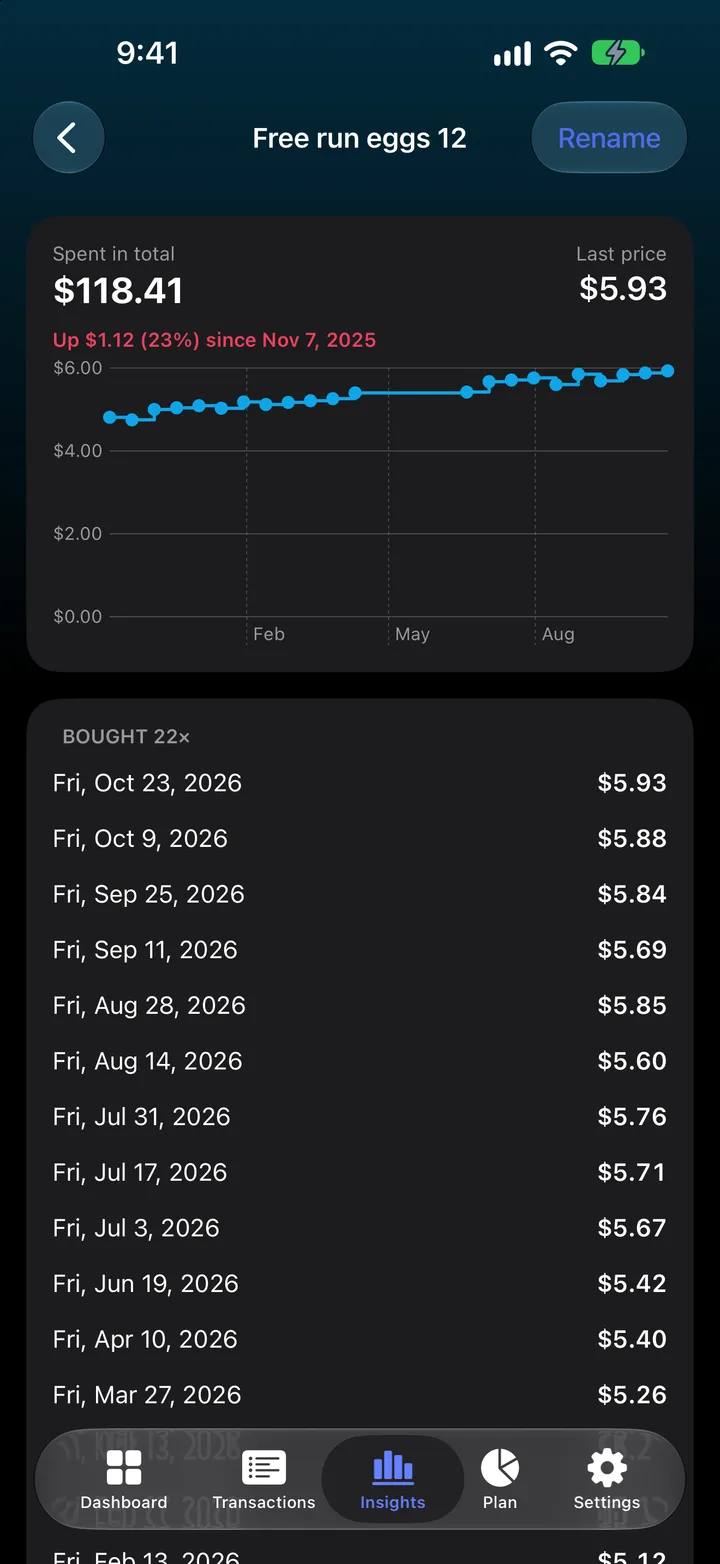
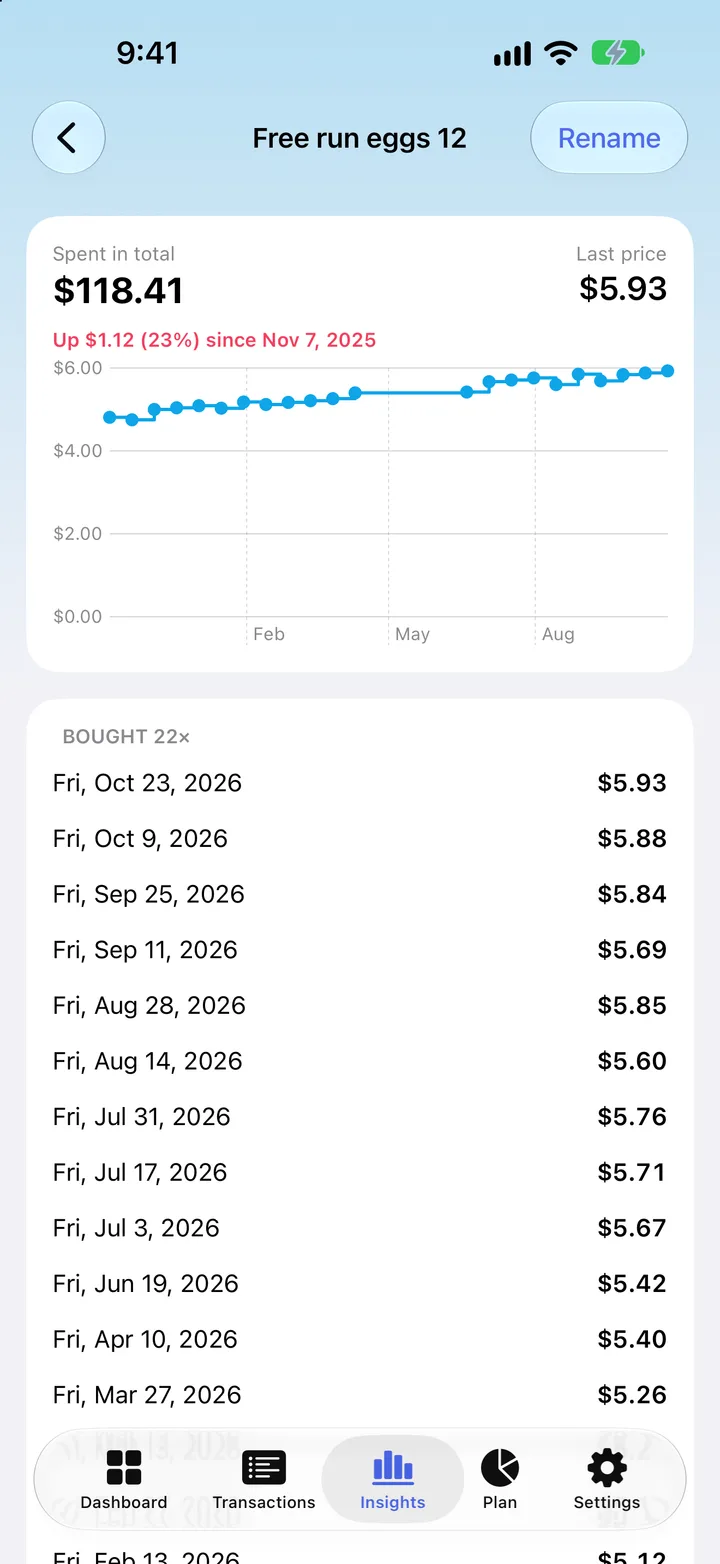
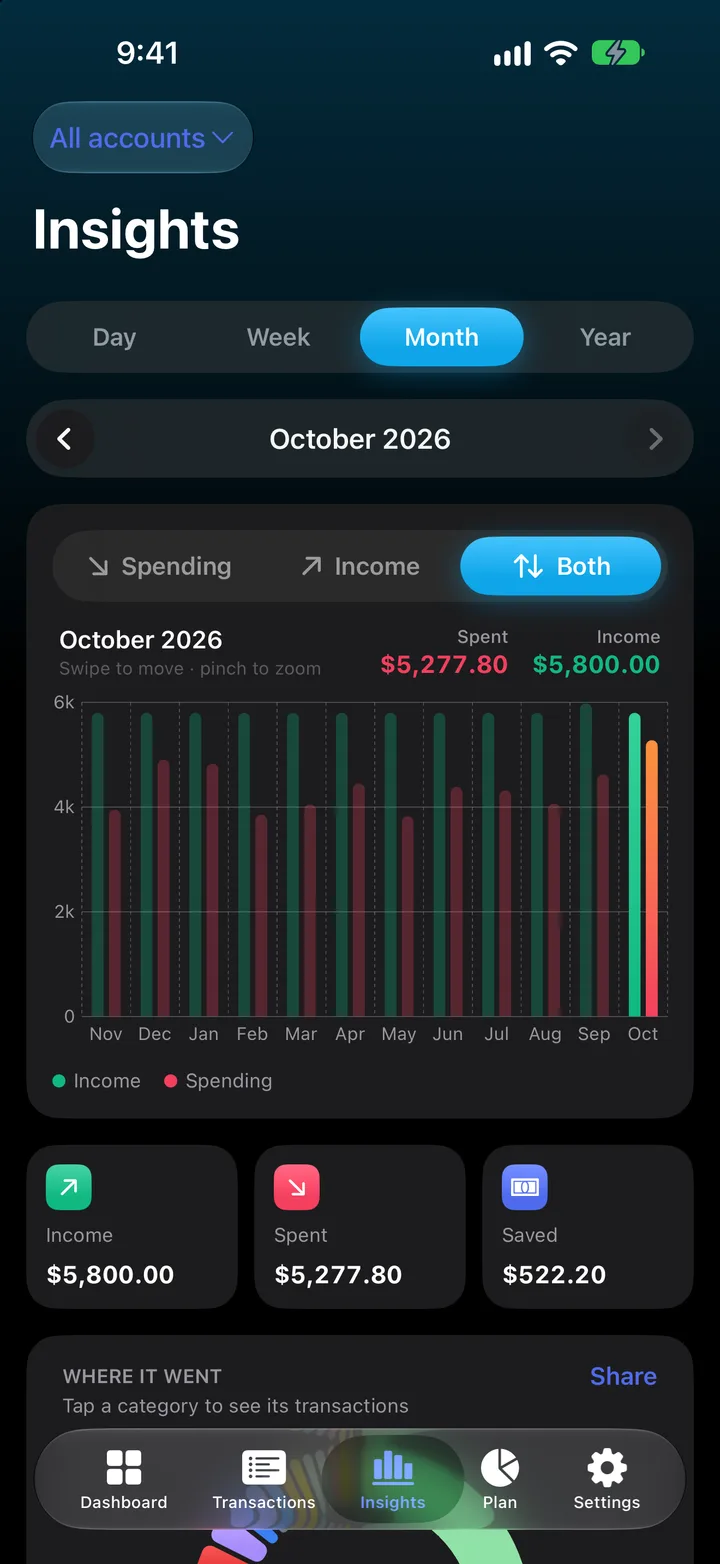
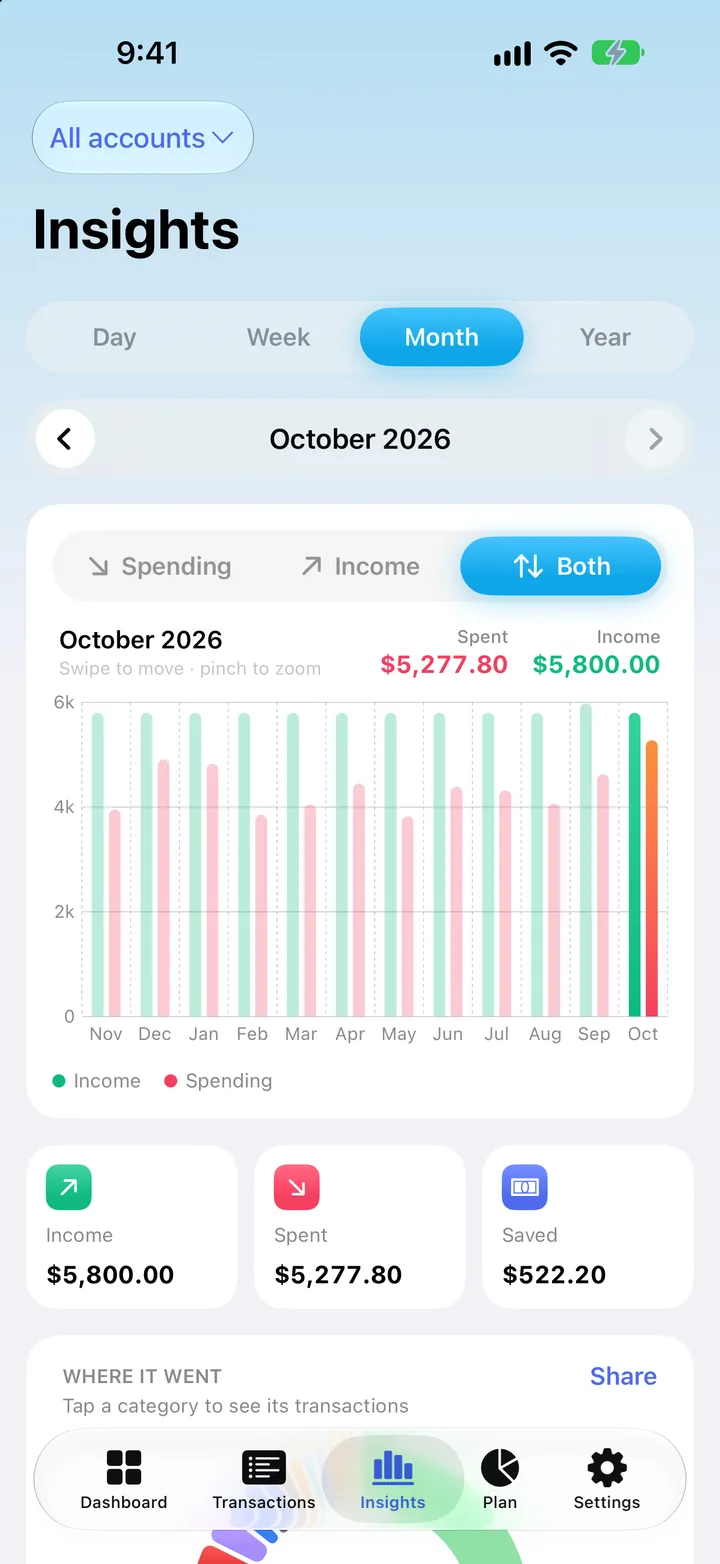
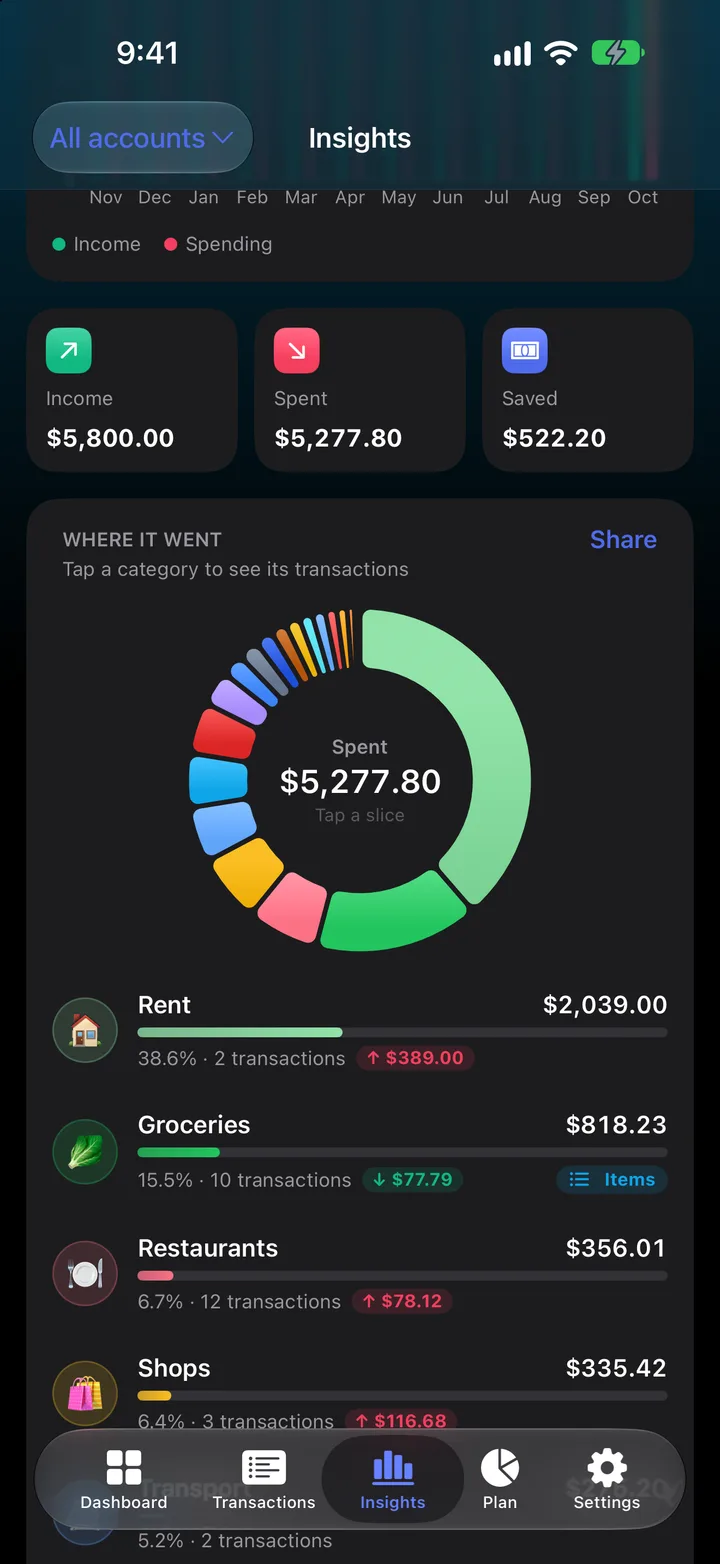
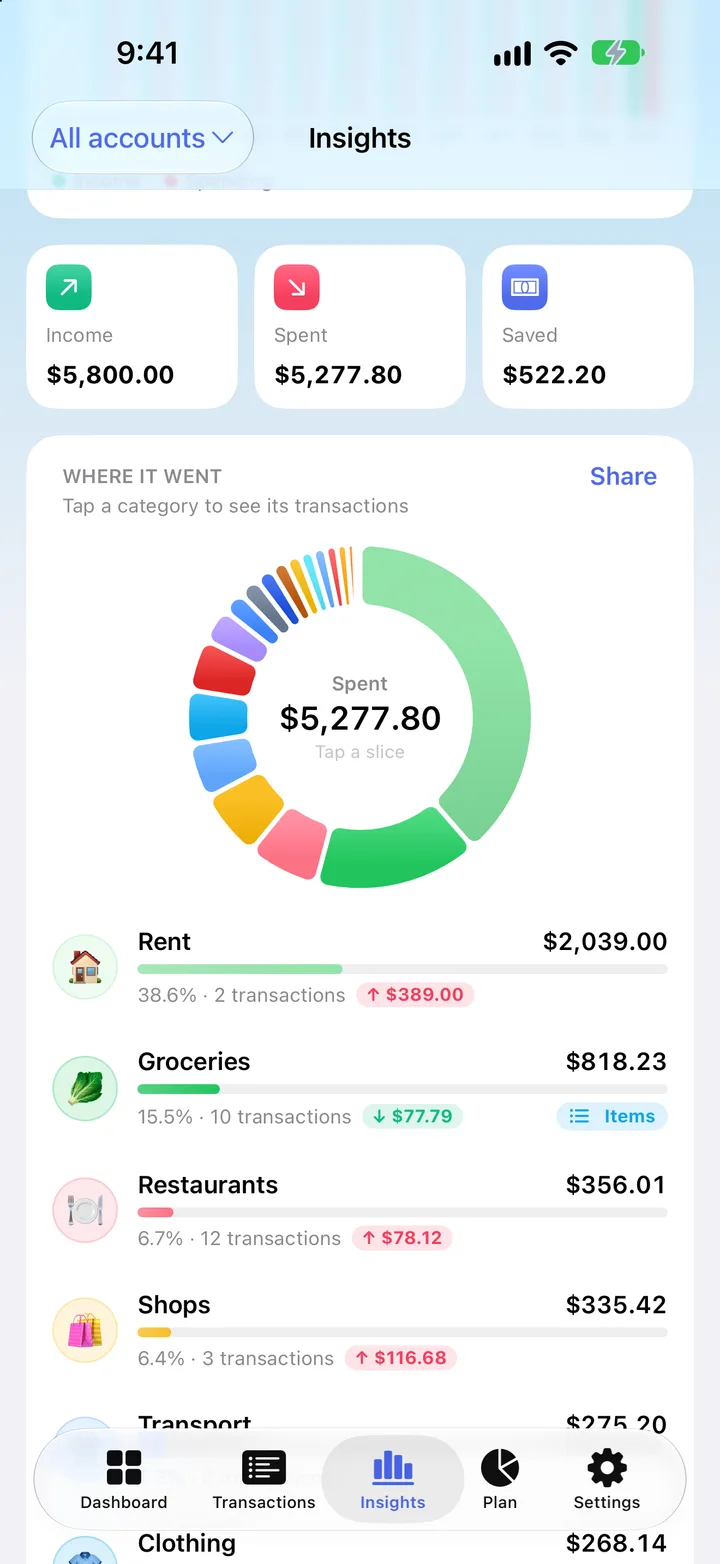
See exactly where it went
A clean spending donut breaks your month down by category. Tap any slice to zoom in.
 MoneyPulse
Private budgeting for iPhone
MoneyPulse is the budget and expense tracker that respects your privacy. Import statements, scan receipts and reach your savings goals, all on your iPhone.
We’ll email you once, when MoneyPulse is on the App Store. Privacy
No bank login
A closer look
Pick a feature to see its screen.
1 / 10
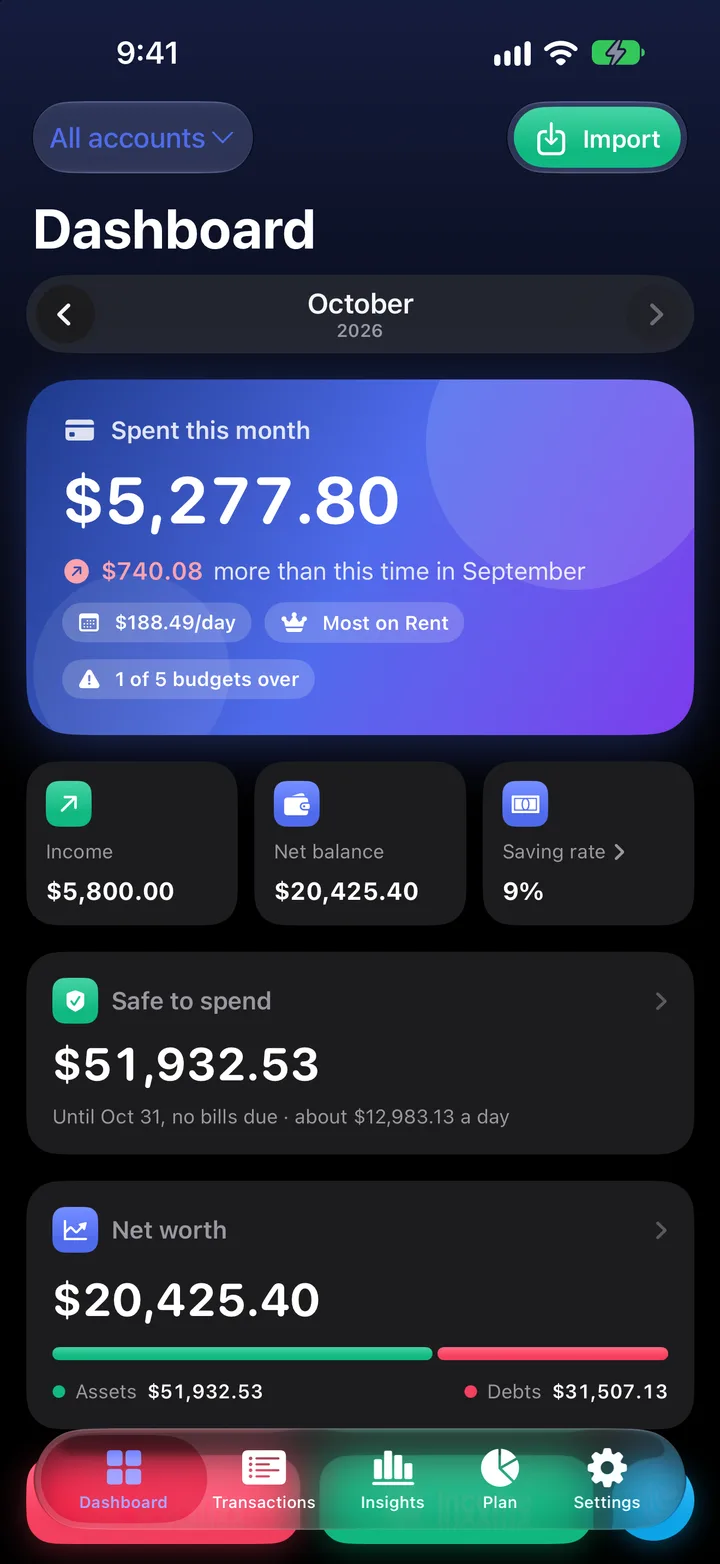
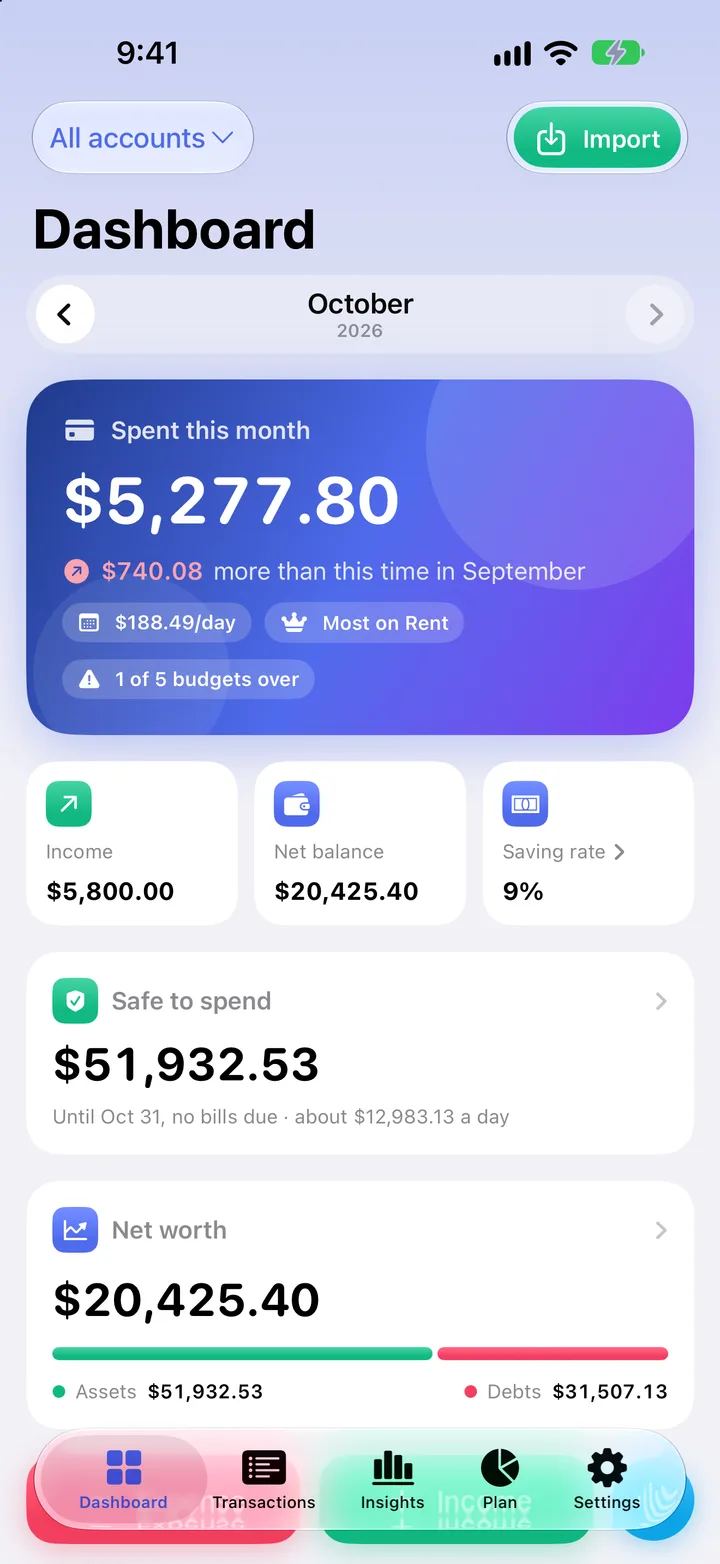
Your money, all in one place
Balance, spending and saving rate the moment you open the app.
Statement import
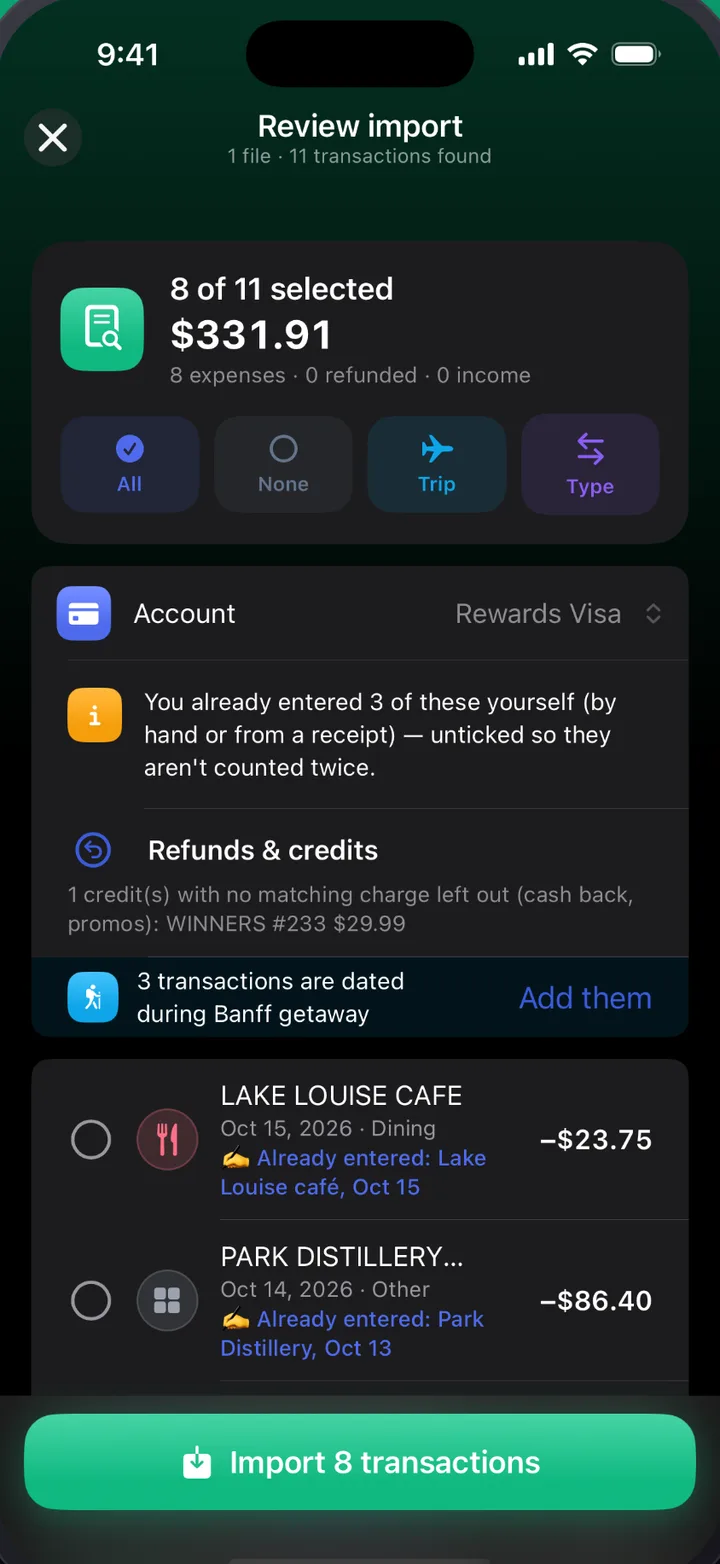
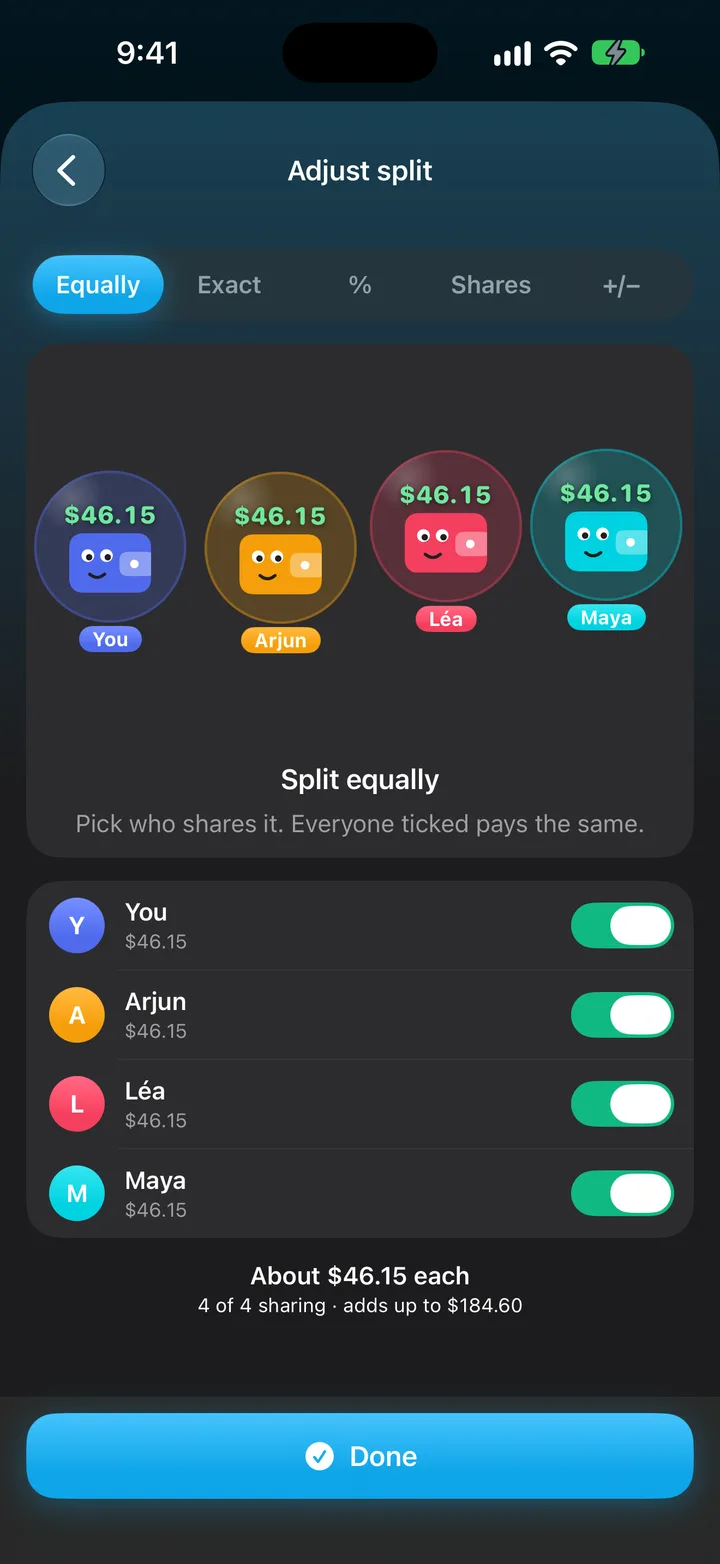
Share a PDF statement, snap a photo of a paper one, or pick a CSV export. MoneyPulse reads it right on your iPhone and sorts every purchase into a category.
Oct 1 – Oct 31
And so much more
Thoughtful tools for every part of your money, each designed to take seconds, not evenings.
A clean spending donut breaks your month down by category. Tap any slice to zoom in.
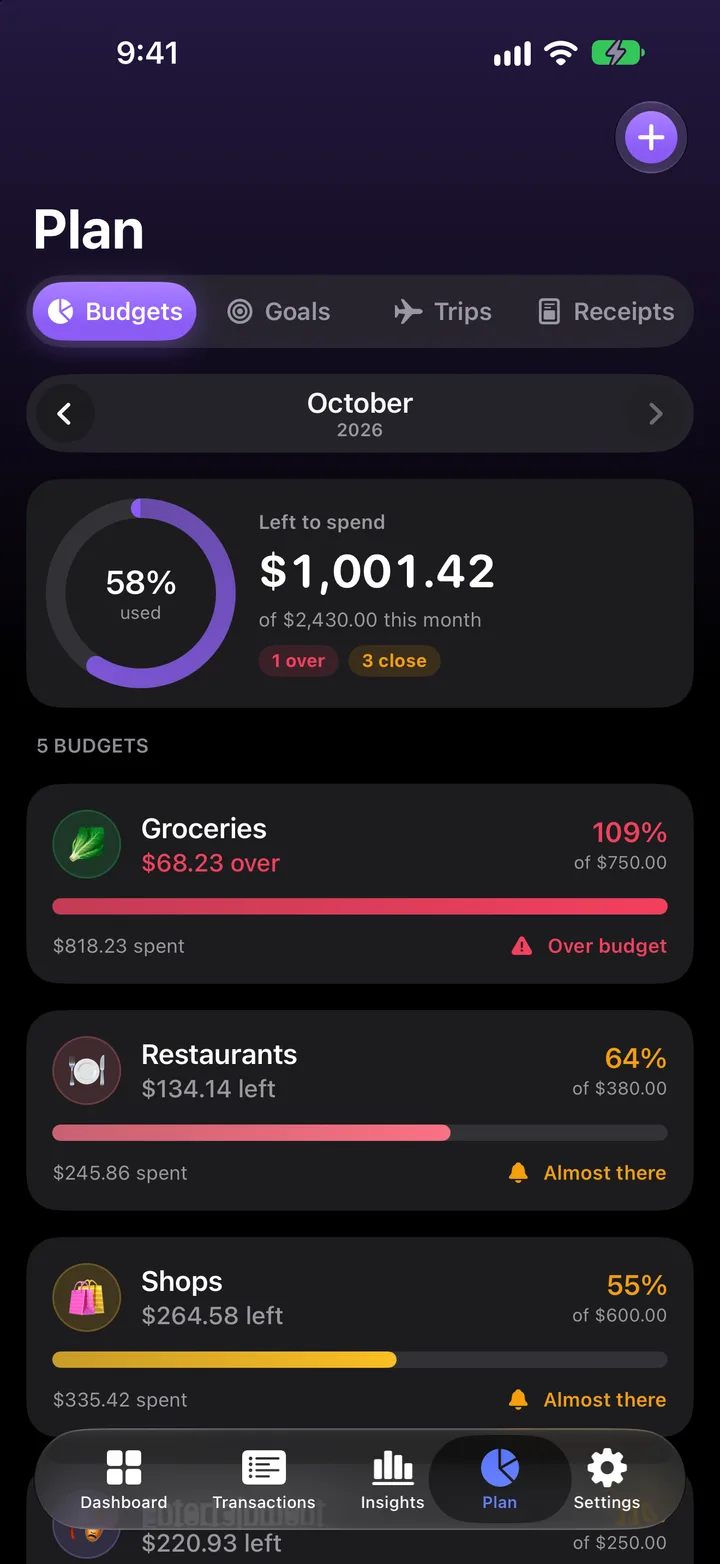
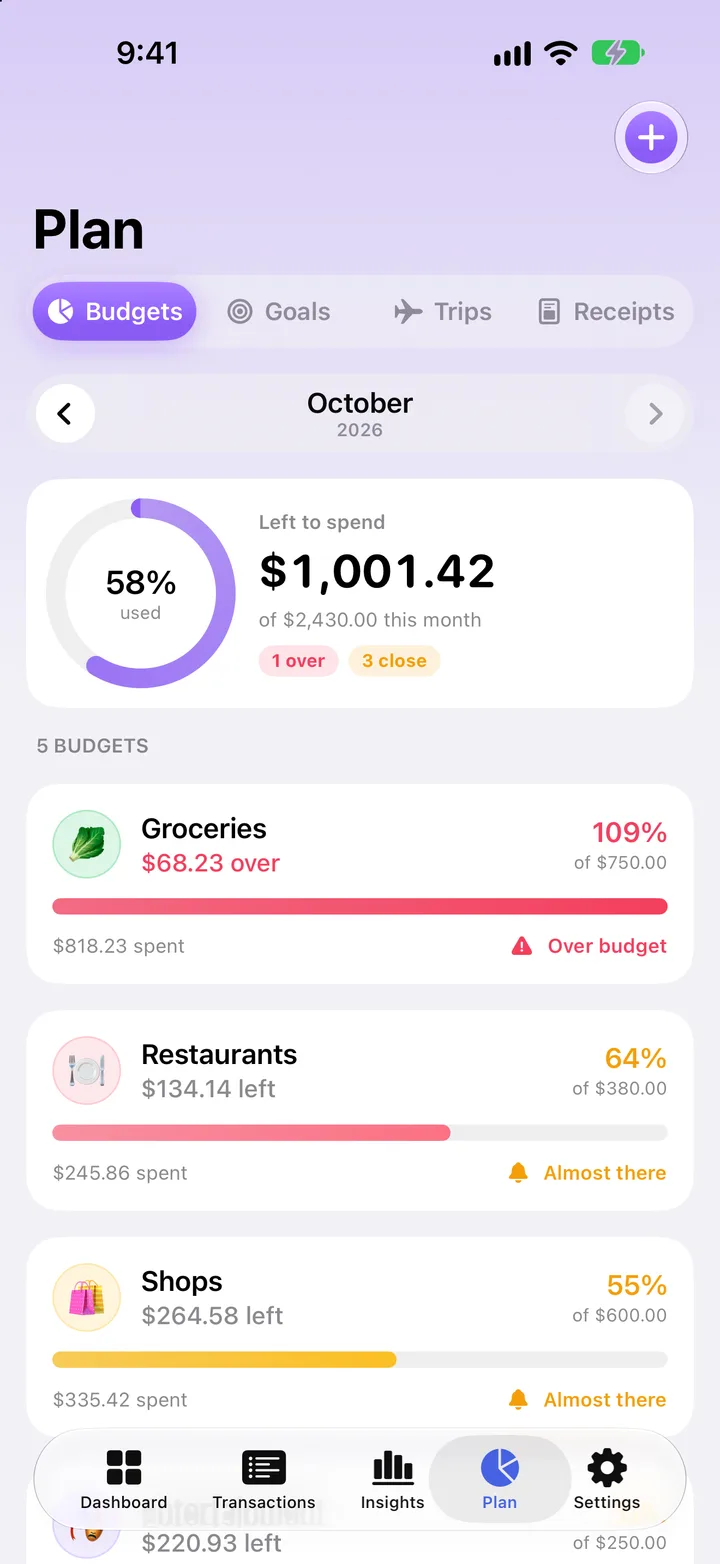
Monthly budgets per category, with a gentle heads-up before you overspend.
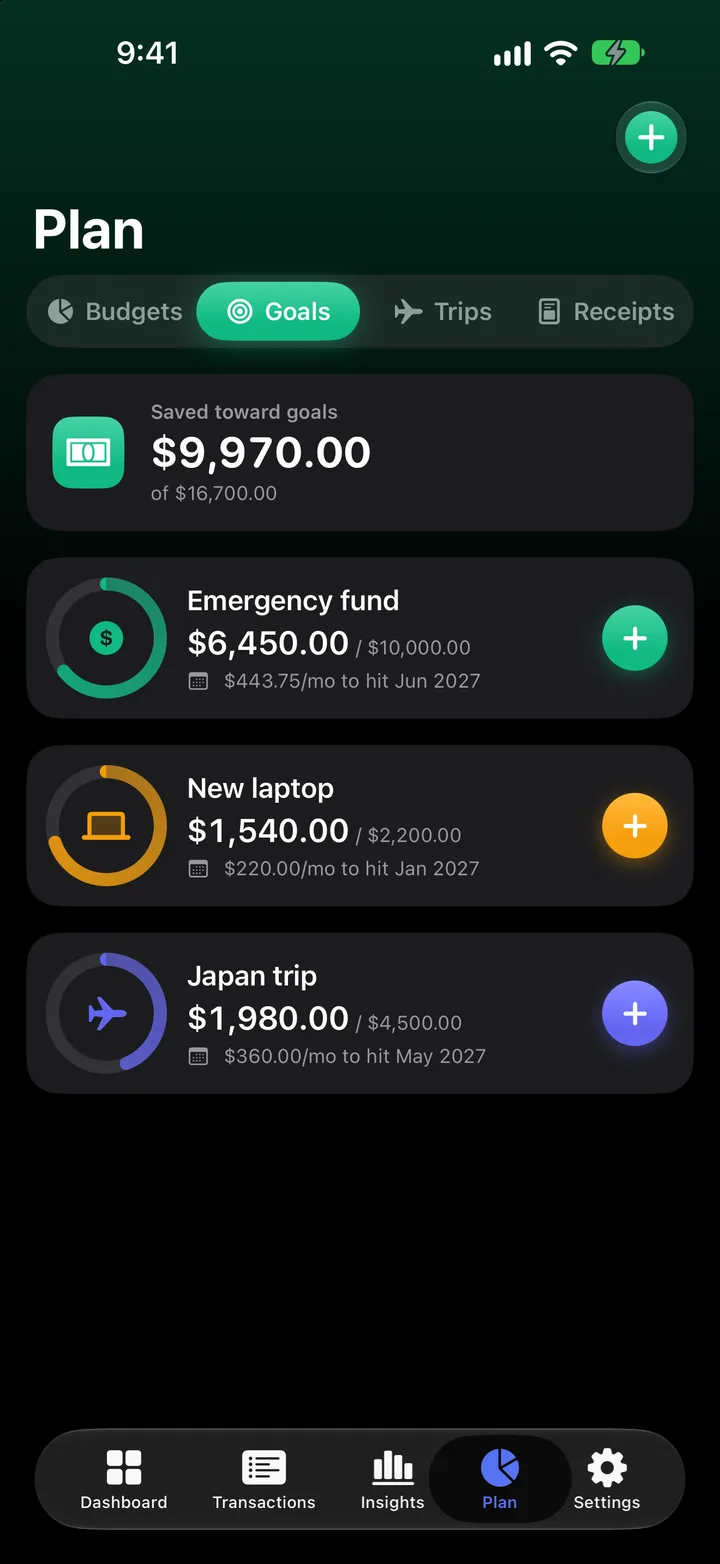
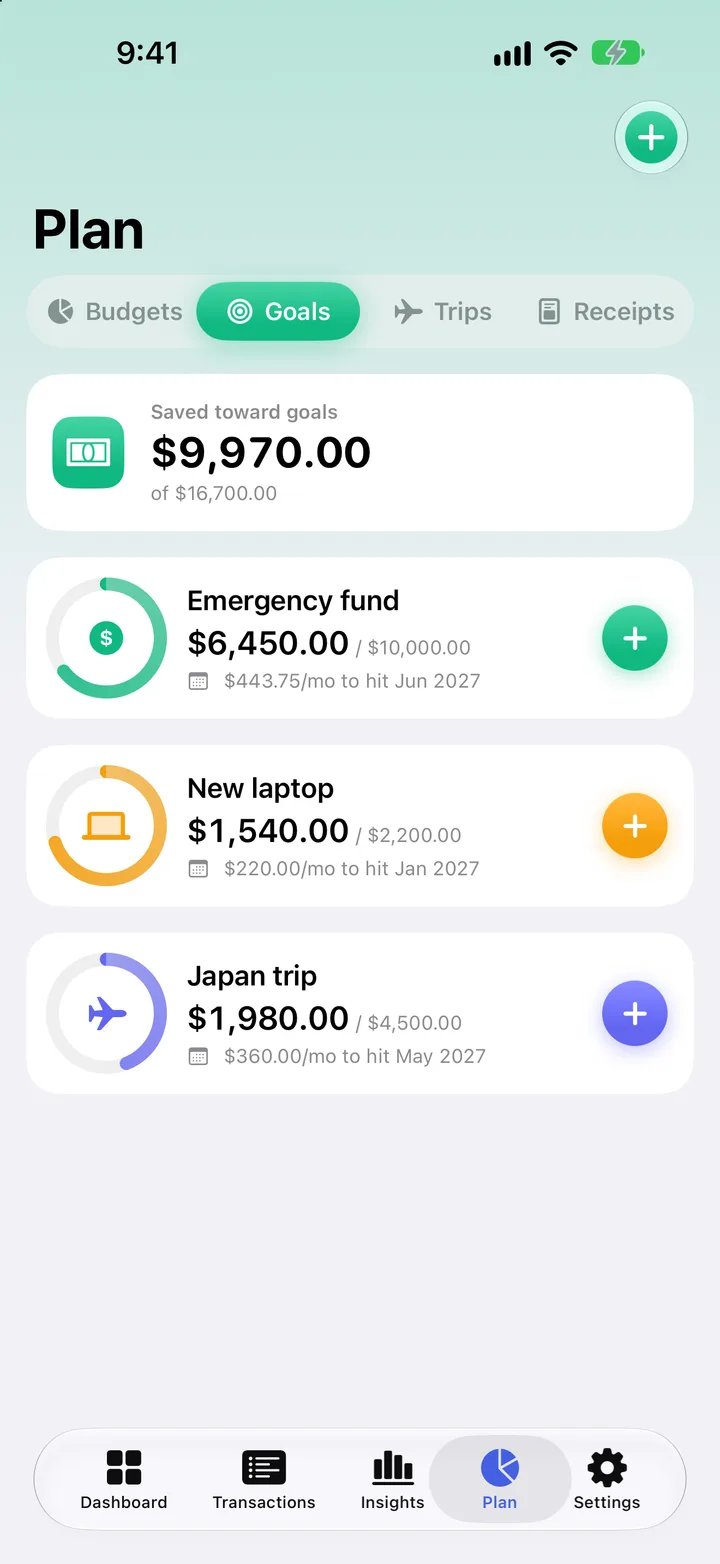
Set a target and a date. MoneyPulse tells you how much to put away each month.
Rent, salary and subscriptions on one calendar, with reminders before they’re due.
Scan a receipt and the store, date, total and every item fill themselves in.
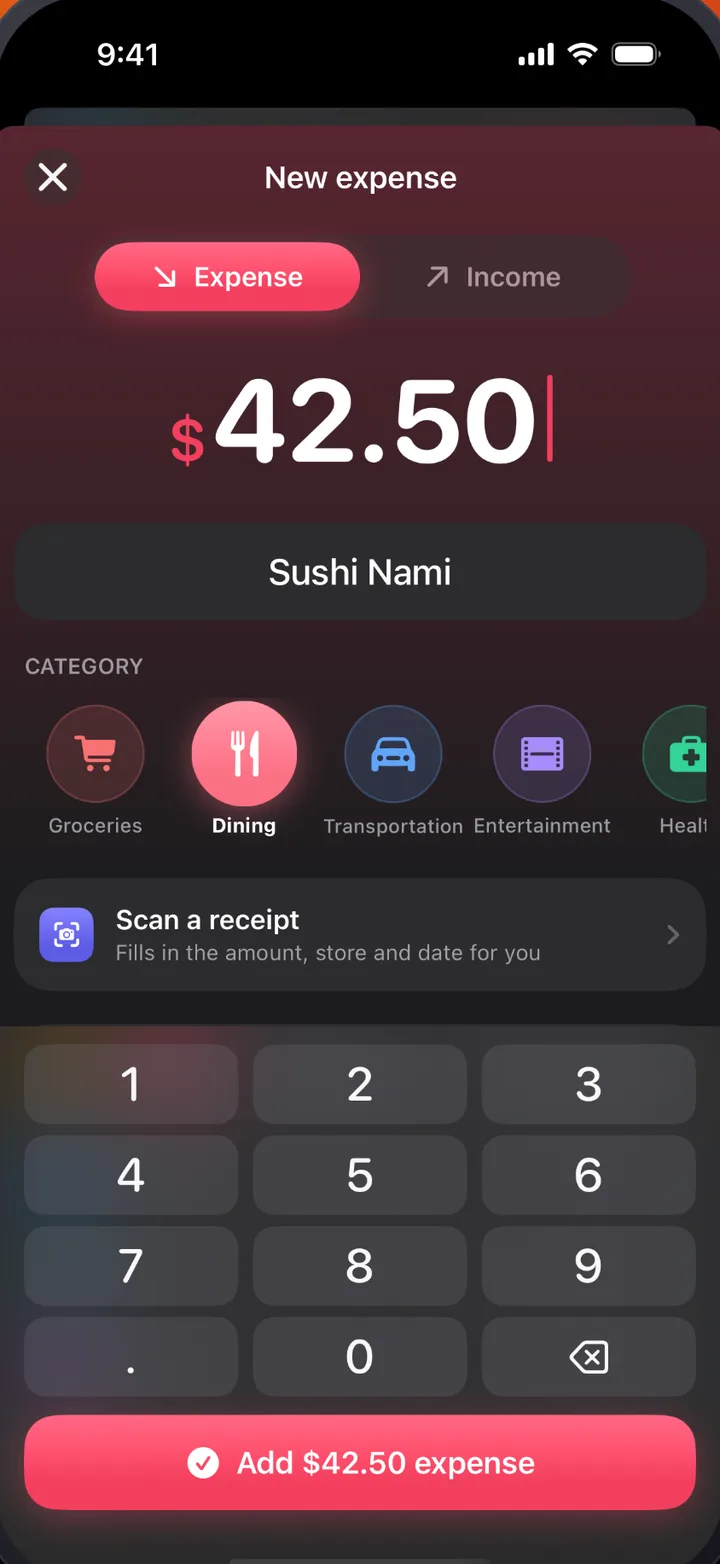
Say “$40 on groceries yesterday” and it’s added. You check it before it’s saved.
IF amount ≥ $500 and category is Travel, THEN tag Big Purchases. Sorting on autopilot.
A reminder before a return window closes or a warranty runs out.
Private by design
Most budget apps want your bank password. MoneyPulse never asks for it. Your transactions, statements and receipts are stored and read on your iPhone, not on our servers.
Bring in the statements you already get. MoneyPulse never connects to your bank.
Statements and receipts are read on the device with Apple’s built-in technology. They’re never uploaded to be processed.
Lock MoneyPulse with Face ID or your passcode, and keep it hidden in the app switcher.
Back up to iCloud Drive or any folder in Files, on your schedule. Restore whenever you like.
Signing in is optional and only needed for shared trips. Expenses you add to a shared trip sync so everyone on the trip can see them. Read the privacy policy
Free to try
Download MoneyPulse and everything is unlocked. No card, no account, nothing to cancel.
Launching soon
Get it from the App Store. There’s nothing to sign up for.
For 90 days
Statement imports, receipt scanning, trips and unlimited budgets, all unlocked.
After that
Keep the free plan for as long as you like, or upgrade to Pro. Nothing is charged automatically.
From the maker
Hi, my name is Hardik (Eddy). Every budgeting app I tried wanted my bank password, showed me ads, or both. I just wanted to see where my money was going without handing my finances to someone else.
So I built MoneyPulse. It reads the statements and receipts you already have, keeps everything on your iPhone, and is paid for by a simple subscription, not by your data.
I make it here in Nova Scotia, in English and French. If something’s missing or not working, I’d love to hear about it. I read every message.
FAQ
Everything you might want to know before you download.
No, never. Add expenses yourself, scan receipts, or import the PDF and CSV statements your bank already gives you. MoneyPulse never asks for your bank login.
On your iPhone. Statements and receipts are read on the device, and your transactions stay there. You decide where backups go: iCloud Drive or any folder in Files. If you use shared trips, only the expenses in those trips sync, so your friends can see them.
You choose. There’s no card on file, so you’re never charged automatically. Subscribe to keep Pro, or carry on with the free plan. Your data stays either way.
MoneyPulse reads the PDF and CSV statements that banks and credit cards provide, and photos of paper statements too. There’s nothing to link and no login to share.
Yes. The app and this website are available in English and French.
Every feature free for 90 days. No card, no account, no bank login.
We’ll email you once, when MoneyPulse is on the App Store. Privacy